
Oopbuy Spreadsheet Checkpoints for your first order
Find a product, check the order terms and know what to do next. Start with a category or search, then follow the guide from seller link to delivery.
Find your category
Open a category to compare products. The full category guide covers fit, seller checks and shipping restrictions.


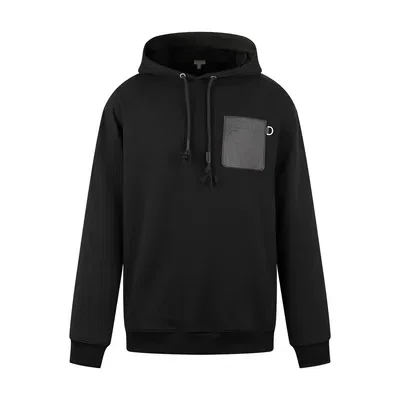


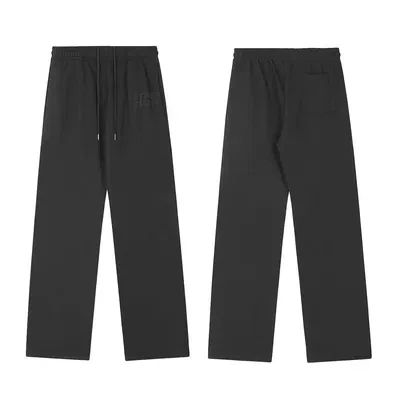







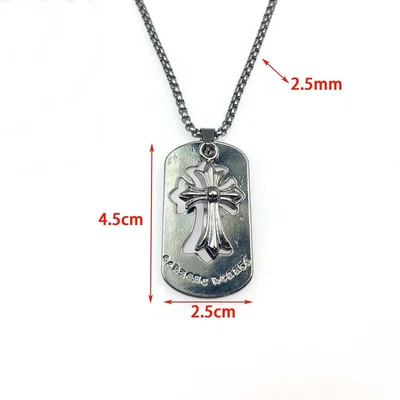


What is the Oopbuy Spreadsheet?
A product catalogue for browsing Chinese marketplace finds by category. Open a listing, compare its options and keep the seller link. The catalogue helps you find products; your purchase is placed through Oopbuy.
Why use this Spreadsheet?
Each category comes with the checks that a product photo cannot answer: fit, return conditions, inspection limits and packing. The guides keep conflicting policy statements visible and show where to confirm the terms for your order.
What is Oopbuy?
Oopbuy is a shopping agent. It buys from the seller on your instruction, receives the items in its warehouse, provides inspection photos and arranges the international parcel you choose.
The agent, company and order responsibilities
Why choose Oopbuy?
The service brings purchasing, warehouse photos and parcel booking into one account. It can help when a seller does not deliver to your country. Check the live payment options, item restrictions and shipping quote first; an available local purchase may cost less overall.
How to use Oopbuy and this Spreadsheet
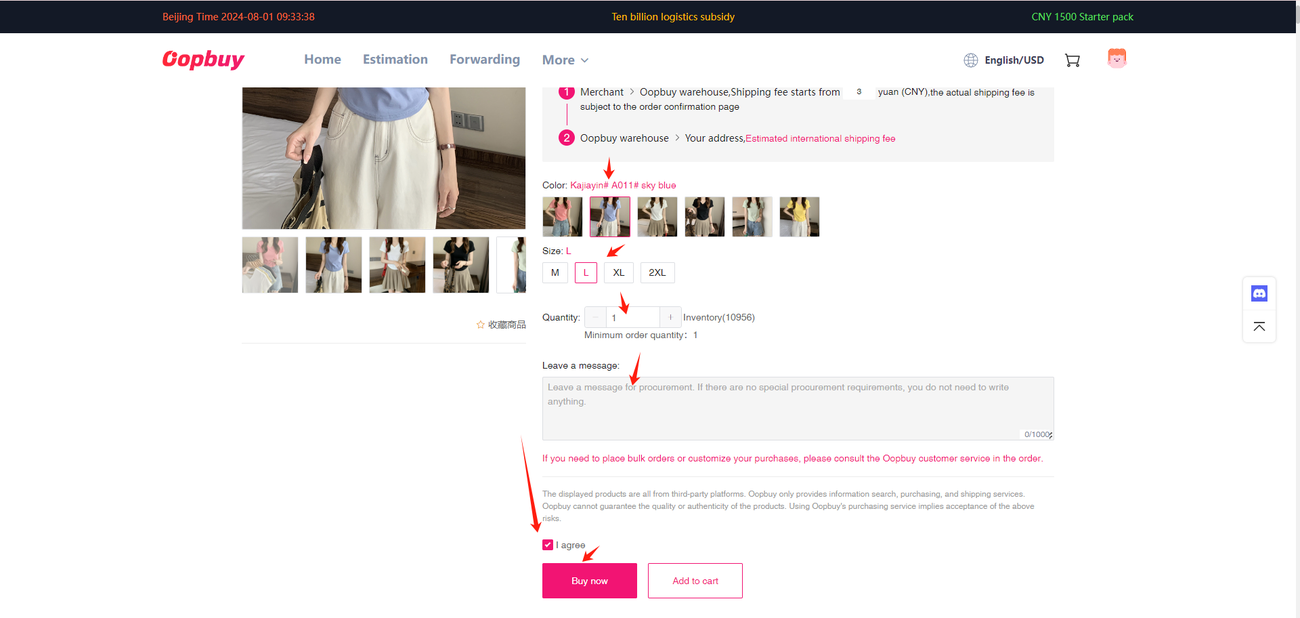
- Choose the item. Search or browse above, then check the seller, measurements and exact colour or size.
- Place the agent order. Paste the seller link into Oopbuy, confirm the options and pay for the goods and domestic delivery.
- Review the warehouse photos. Request a missing view or measurement before accepting the item. Raise a return while it is still eligible.
- Build and send the parcel. Compare packing and shipping lines, pay the international charge, then track delivery and keep the packaging if a claim is needed.
Open the planning-number lookup to compare the published terms and find the account field to check.
Order help and FAQ
Find the right next action for an unpaid order, warehouse concern, return or delayed parcel. The help page explains order statuses and common first-order questions.
Help centre and frequently asked questions
Checking an item already in storage? Use the QC checklist before choosing your parcel.
Check costs before you commit
There are two main payments: buying the goods, then shipping the finished parcel. Currency conversion, optional services and the line’s weight rules can change the total.
Payment and fee guide · Shipping and delivery guide
Official notices and the dates behind the policy checks are kept in Updates. Confirm an offer’s terms before using it.